Support / Change control
ECR, ECO and ECN explained
The three change records and how they follow on from each other.
Change control
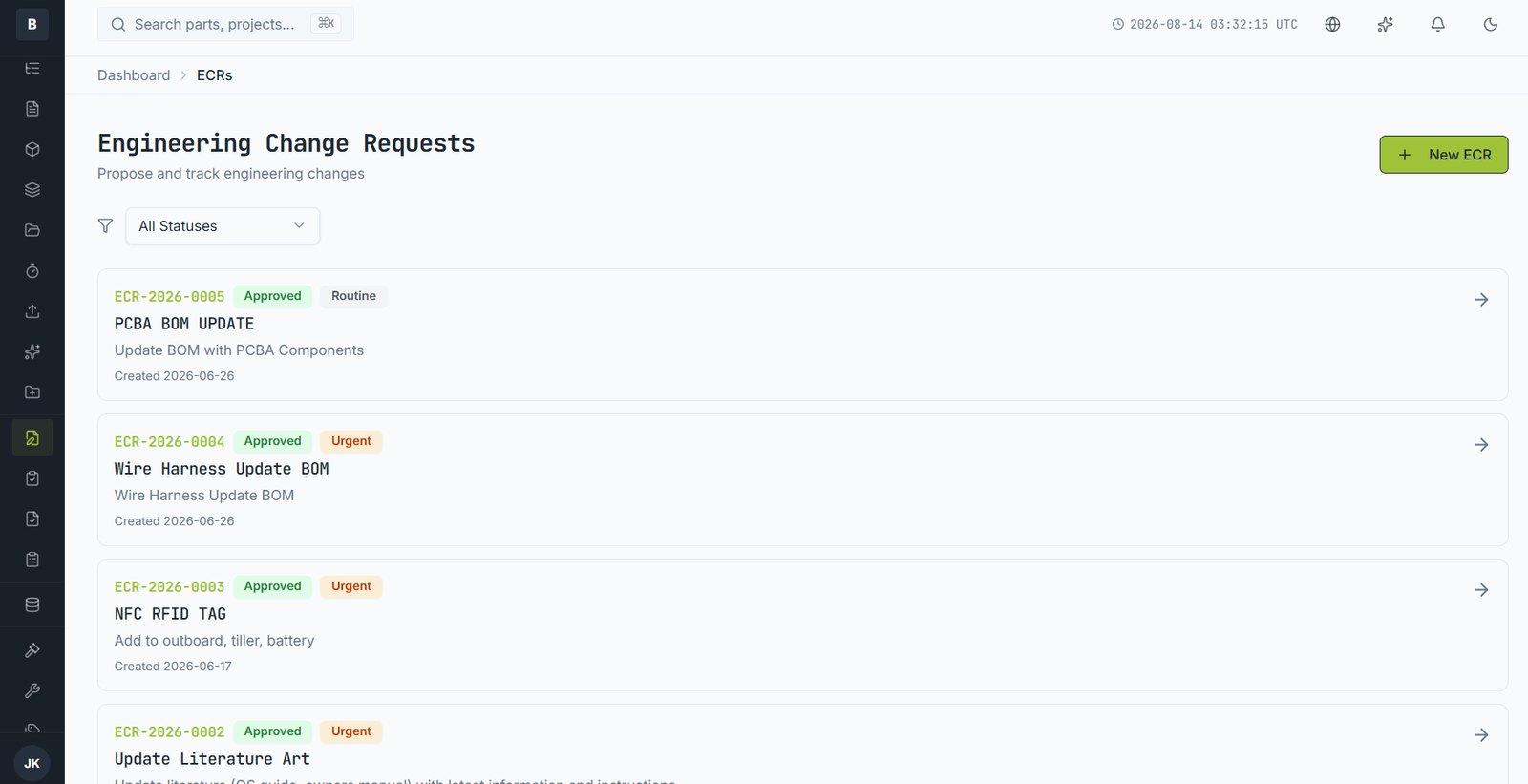
Change control separates asking from doing from telling. Three record types, in that order.
| Record | Answers | Raised by |
|---|---|---|
| ECR — Engineering Change Request | Should we change something? | Anyone |
| ECO — Engineering Change Order | Here is exactly what changes, approve it | Engineering |
| ECN — Engineering Change Notice | This has changed, here's who needs to know | Issued on release |
The flow
- ECR — production reports a part is hard to assemble. Anyone can raise one; it costs nothing to ask.
- Review — engineering assesses it. Some ECRs are rejected, and that's a legitimate outcome with a recorded reason.
- ECO — approved ECRs become an order listing the affected parts, the new revisions and the effectivity date.
- Approval — reviewers sign off. The parts sit locked in review while this happens.
- Release — new revisions go live, old ones are superseded.
- ECN — notice goes to everyone affected, including suppliers with access.
Smaller companies
Not everyone runs all three. Some use ECOs alone. Your administrator configures which are enabled — if you only see ECOs, that's a deliberate choice.
Still stuck?
Email [email protected] and a person will pick it up. Include the part number and what you were doing — it saves a round trip.