Support / Compliance & trade
HS codes and tariff classification
Assigning tariff codes and keeping the reasoning.
Compliance & trade
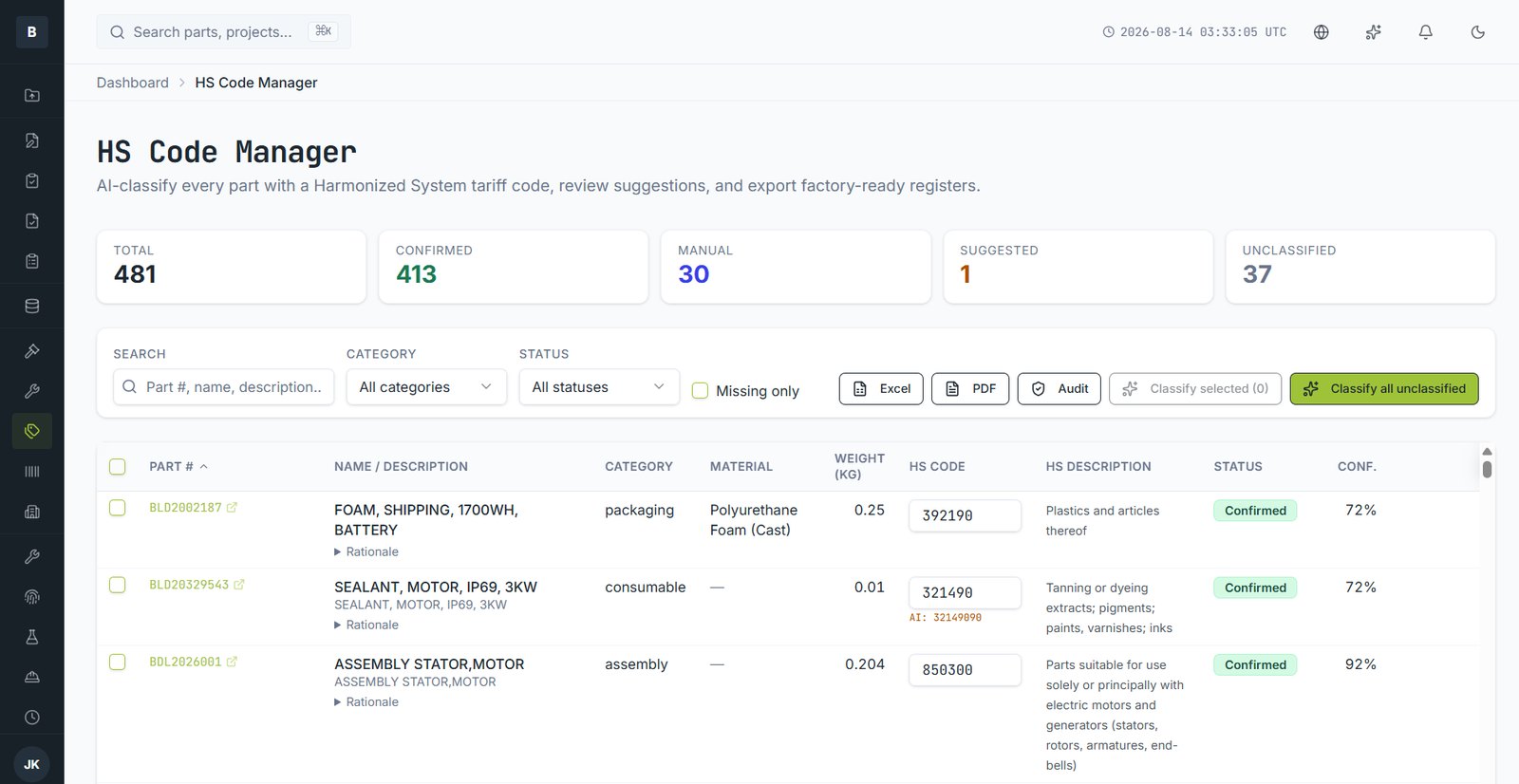
Every part can carry a Harmonized System code for customs. The HS Code Manager classifies your catalogue and keeps the reasoning attached.
Classifying
- Open HS Code Manager. Parts are listed with their current status.
- Choose Classify all unclassified, or select specific parts.
- Each part receives a suggested code with a confidence score and a rationale.
- Review each. Accept, or override with your own code.
Status
| Status | Meaning |
|---|---|
| Confirmed | Reviewed and accepted by a person |
| Suggested | Proposed, awaiting review |
| Manual | Entered directly by a person |
| Unclassified | No code yet |
Exporting
Export a factory-ready register as Excel or PDF, or an audit view showing rationale and who confirmed each code.
Suggestions are a starting point
Tariff classification carries legal and financial consequences. Suggestions are there to save time, not to replace judgement — have someone qualified confirm them, and keep the rationale for when a broker or customs authority asks.
Still stuck?
Email [email protected] and a person will pick it up. Include the part number and what you were doing — it saves a round trip.