Tenders and RFQs
Running a structured quotation and comparing bids.
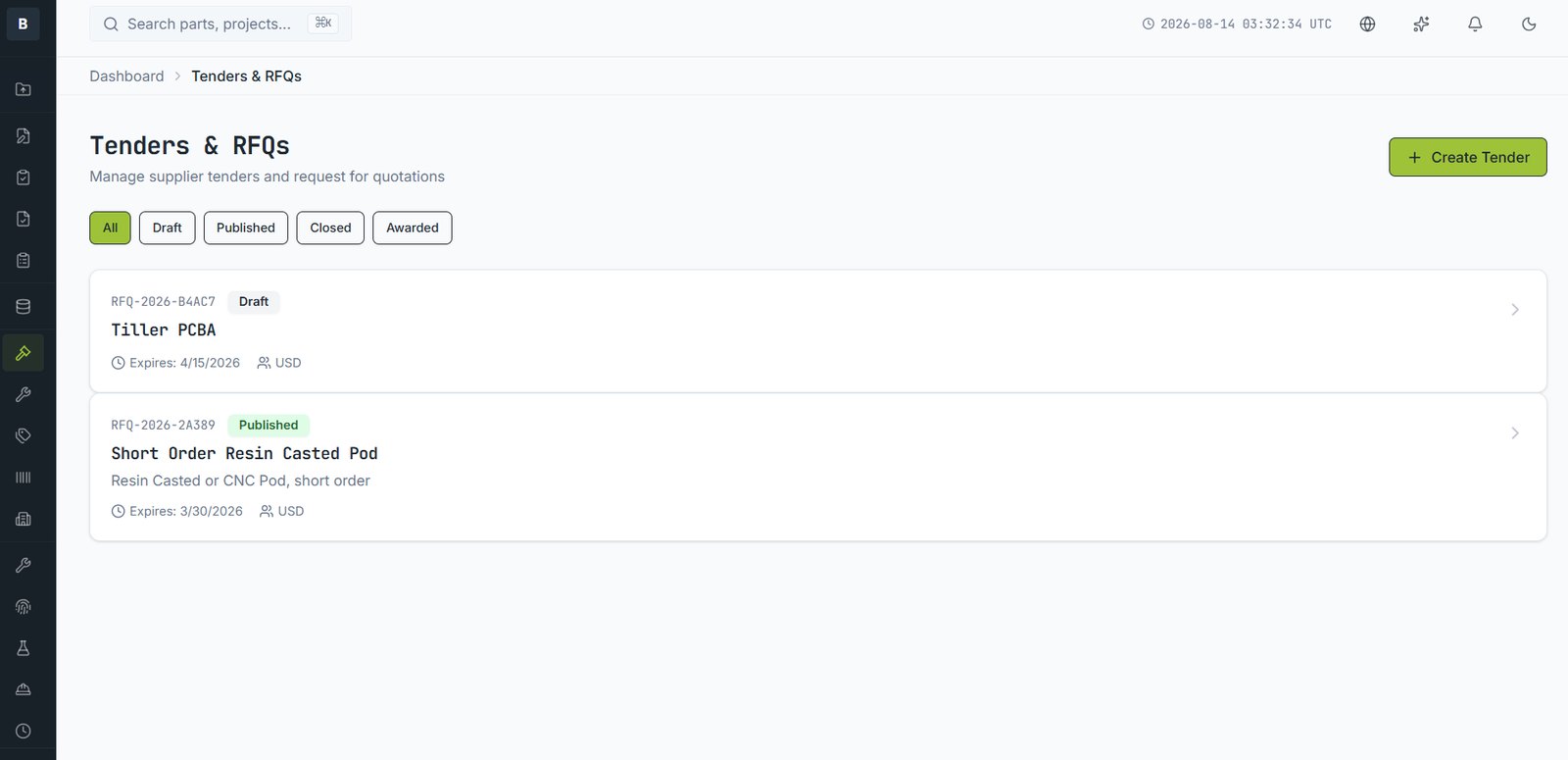
A tender puts a package of parts out to selected vendors and collects comparable bids in one place — instead of a folder of PDFs in different formats.
Creating one
- Open Tenders & RFQs and choose Create Tender.
- Give it a title and a closing date.
- Add the parts and quantities you want priced.
- Choose the currency bids should be submitted in.
- Select which approved vendors to invite.
- Publish.
What vendors receive
Invited vendors get access to exactly the released documents for the parts in the tender, and a form to enter unit price, lead time, MOQ and notes. They cannot see other vendors, other parts, or your costs.
Comparing
Bids arrive against the same line items, so comparison is direct. You can award the whole tender to one vendor or split it line by line. Awarding records the decision and can update the parts' supply chain data.
Who was invited, who opened it, what they downloaded and what they bid. This is the record you want if a sourcing decision is questioned later.
Email [email protected] and a person will pick it up. Include the part number and what you were doing — it saves a round trip.