Support / Integrations
Slack
Connecting a workspace and choosing what posts where.
Integrations
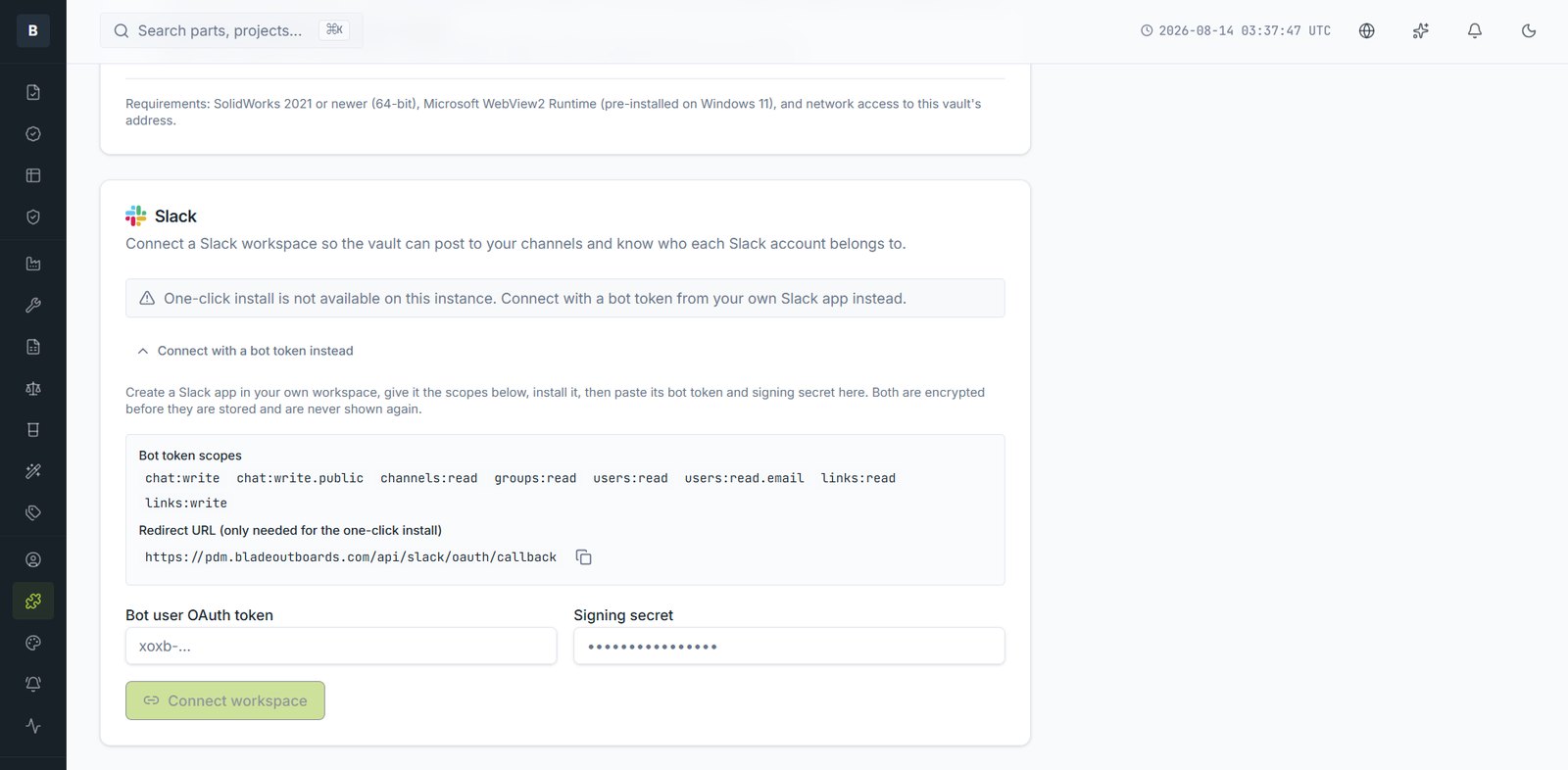
Connecting Slack lets the vault post into your channels and lets people approve without opening the browser.
Connecting
- Open Plug-ins under Administration and find Slack.
- Follow the connection steps for your workspace.
- Authorise. The vault can now post to the channels you allow.
- Map Slack accounts to vault users so mentions reach the right person.
What gets posted
- Approvals pending, with approve and reject buttons in the message
- Changes raised and released
- Supplier responses to tenders
- Stale revision reminders
- Mentions from comments
Link unfurling
Paste a part link into a channel and it expands to show the part number, description, revision and state — so a link in a thread is readable without anyone opening the vault.
Routing
Each event type can go to a different channel. Most teams send approvals to a small channel and general change activity to a wider one.
Still stuck?
Email [email protected] and a person will pick it up. Include the part number and what you were doing — it saves a round trip.