Support / Manufacturing
Factory tools
The central library of workshop tools.
Manufacturing
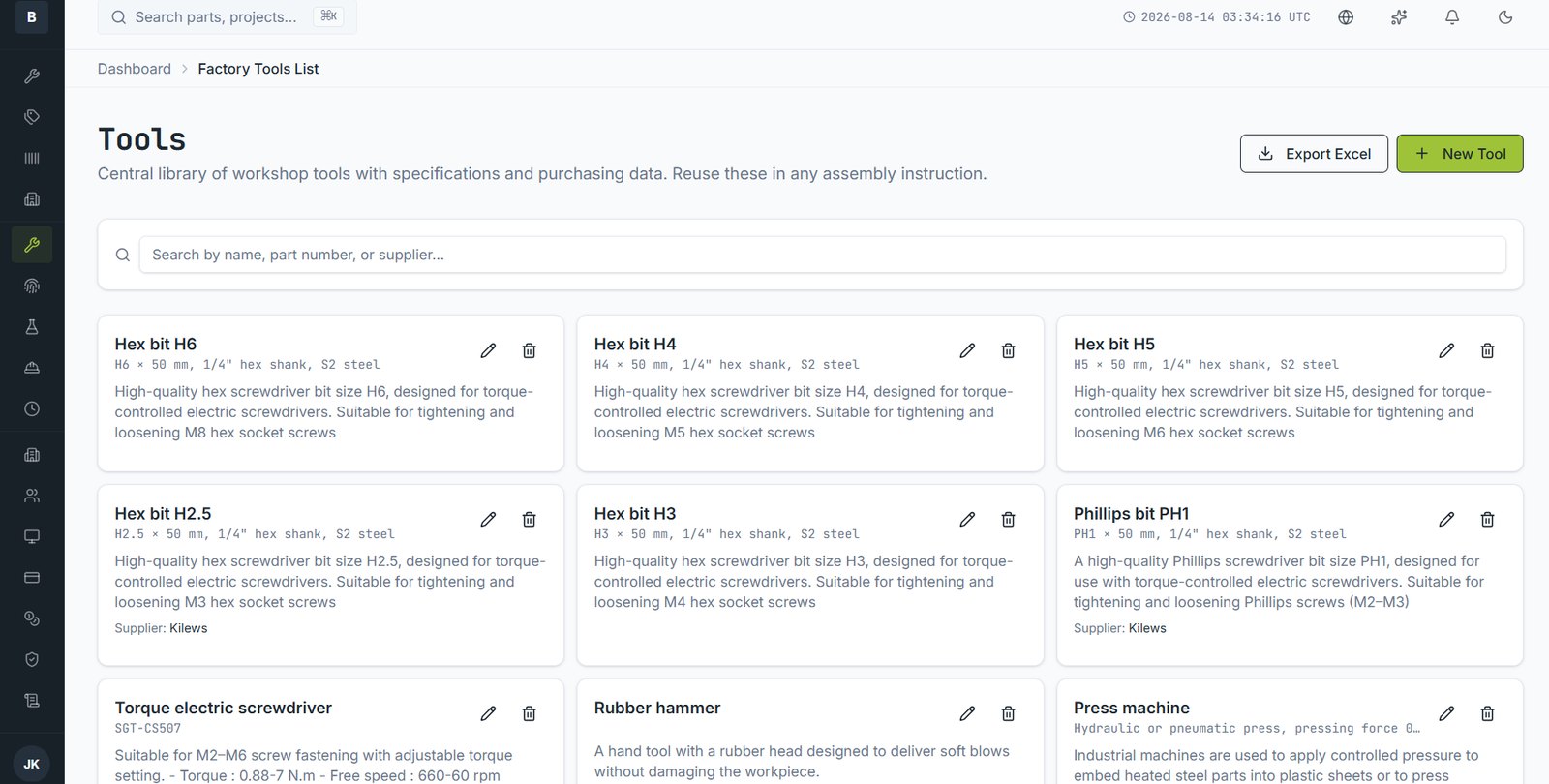
Tools are held once centrally and referenced by any assembly instruction, so a change to a tool's specification propagates everywhere it's used.
Adding a tool
- Open Factory Tools List and choose New Tool.
- Give it a name and specification — size, drive, material, torque range.
- Add supplier and purchasing information.
- Save. It's now selectable from any assembly instruction.
Why centrally
- Every instruction refers to the same tool, not a slightly different description
- You can answer "what tooling does this product need?" by listing what its instructions reference
- Purchasing information is in one place when a tool needs replacing
Still stuck?
Email [email protected] and a person will pick it up. Include the part number and what you were doing — it saves a round trip.