What Octagon PLM is
A one-page orientation to what the system holds and who uses it.
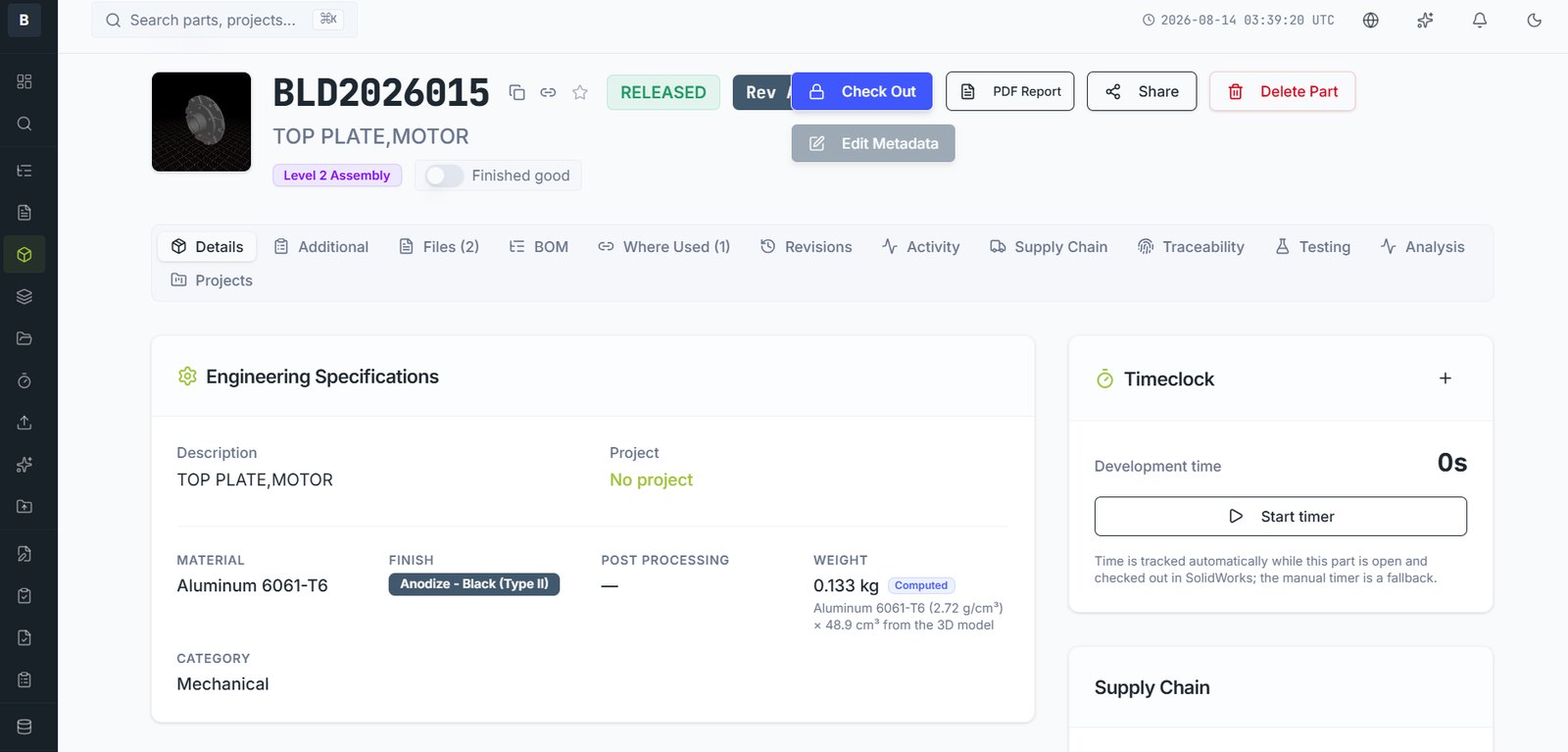
Octagon PLM is the single controlled record of everything that defines your physical product. Where a shared drive holds files and a spreadsheet holds a parts list, Octagon holds the part itself — its number, revision, drawings, 3D model, material, weight, suppliers, cost, compliance status, test evidence and change history — and keeps every one of those things consistent with the others.
What lives in it
Broadly, five kinds of thing:
- Parts and assemblies. Every item you design, buy or build, each with a controlled revision history.
- Files. Native CAD, drawings, neutral formats, datasheets, test reports, firmware — attached to the part they belong to and revised with it.
- Structure. Multi-level bills of materials, with cost and weight rolling up the tree automatically.
- Change. A formal record of what changed, who asked, who approved, and when it took effect.
- Downstream data. Suppliers and pricing, assembly instructions, labour times, test requirements, traceability, tariff codes and compliance evidence.
Who uses it, and for what
| Role | Typically here to |
|---|---|
| Design engineer | Check models in and out of the vault, raise changes, maintain BOMs |
| Purchasing | Read released BOMs, maintain supplier pricing, run tenders |
| Quality | Approve changes, define test requirements, pull audit evidence |
| Production | Read work instructions, confirm the current revision, record build data |
| Suppliers | View exactly the documents shared with them, respond to tenders |
The one idea worth understanding
Almost everything in Octagon hangs off a part, and almost everything is tied to a revision of that part. A drawing isn't just a file in a folder — it belongs to part BLD1002015 at revision C. A supplier price isn't a row in a spreadsheet — it is attached to a specific part. A test result proves something about a specific revision.
That is what makes the system able to answer questions a file share cannot: what changed between revision B and C, which assemblies use this part, what did this unit's bill of materials look like on the day it was built.
Email [email protected] and a person will pick it up. Include the part number and what you were doing — it saves a round trip.