Support / Parts & records
Where Used
Finding every assembly and product a part appears in before you change it.
Parts & records
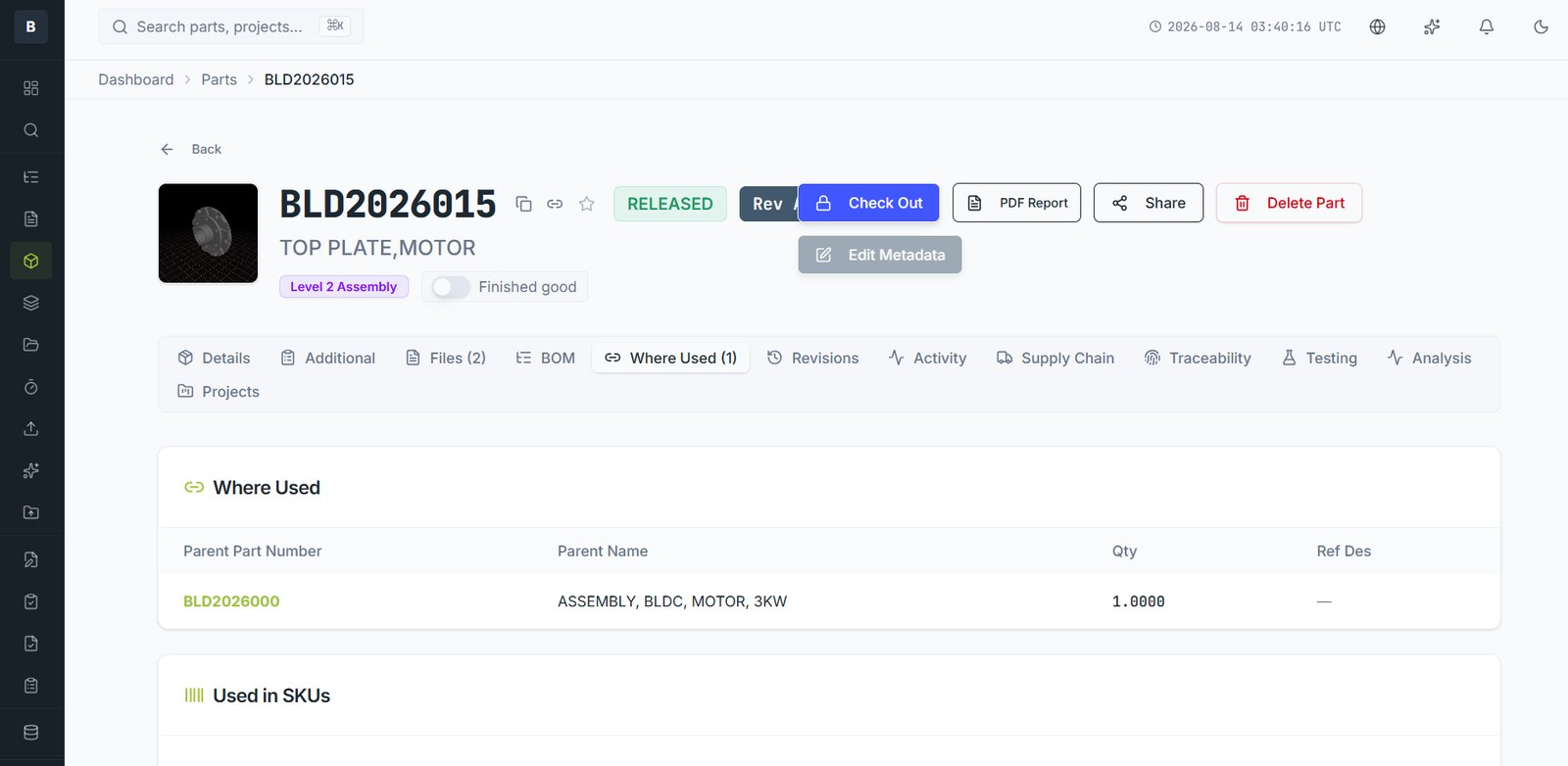
Where Used answers the question a file share cannot: if I change this part, what else does it affect?
Reading it
Open any part and select the Where Used tab. You'll see:
- Parent assemblies — every assembly with this part on its BOM, with quantity and reference designator
- Used in SKUs — every saleable product configuration that ultimately contains it
When to check it
- Before raising a change. The impact list writes half your ECR for you.
- Before obsoleting a part. If it's still used, it can't simply be retired.
- When a supplier discontinues something. Where Used tells you the true scope of the problem.
- During a recall investigation. Combined with Traceability, it narrows which units are affected.
Empty Where Used
An empty list means the part isn't on any BOM. That's normal for a top-level assembly, and a warning sign for a component — it may have been created but never added to its parent.
Still stuck?
Email [email protected] and a person will pick it up. Include the part number and what you were doing — it saves a round trip.