Support / Files & documents
Viewing files in the browser
What opens without downloading, and how to use the 3D viewer.
Files & documents
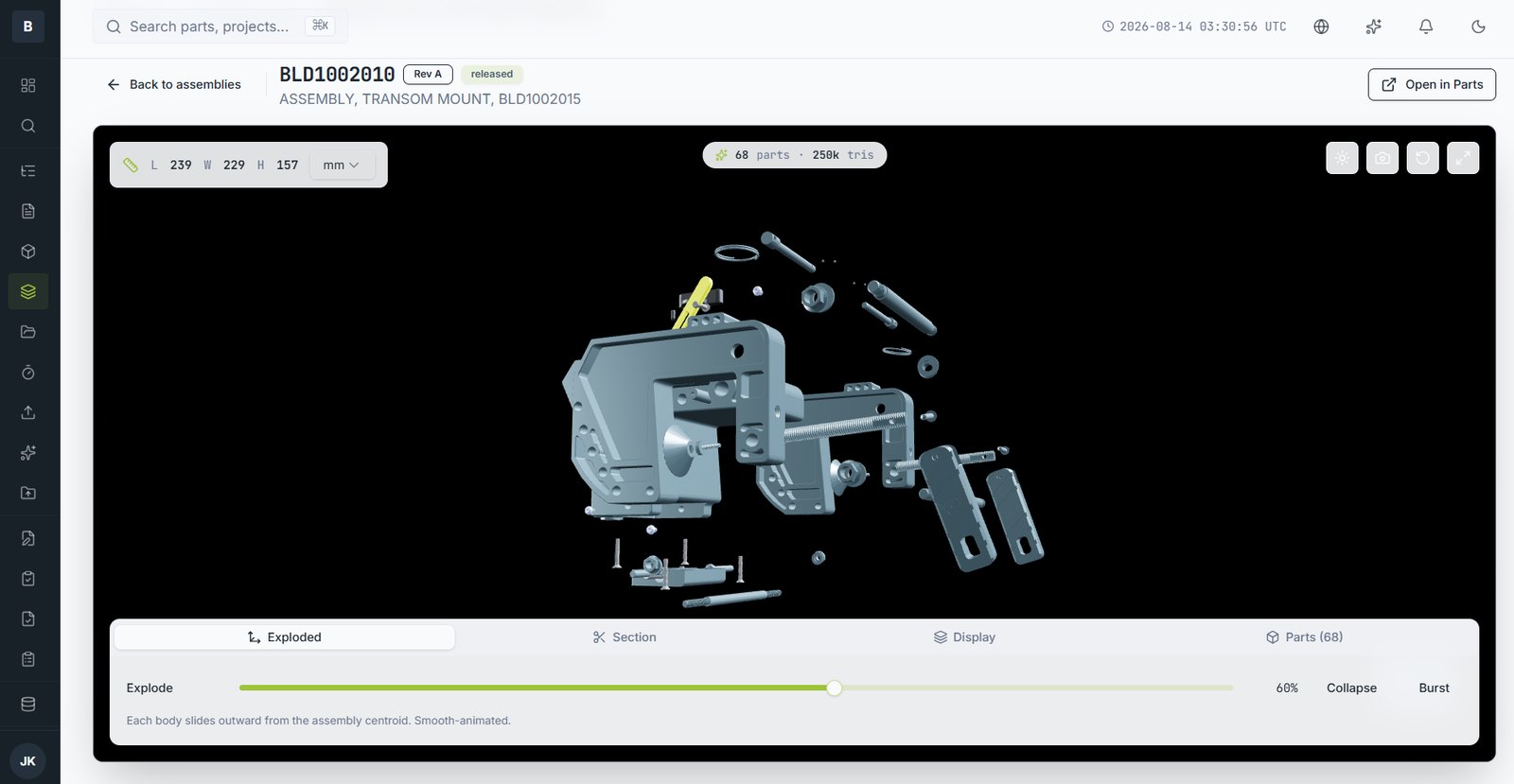
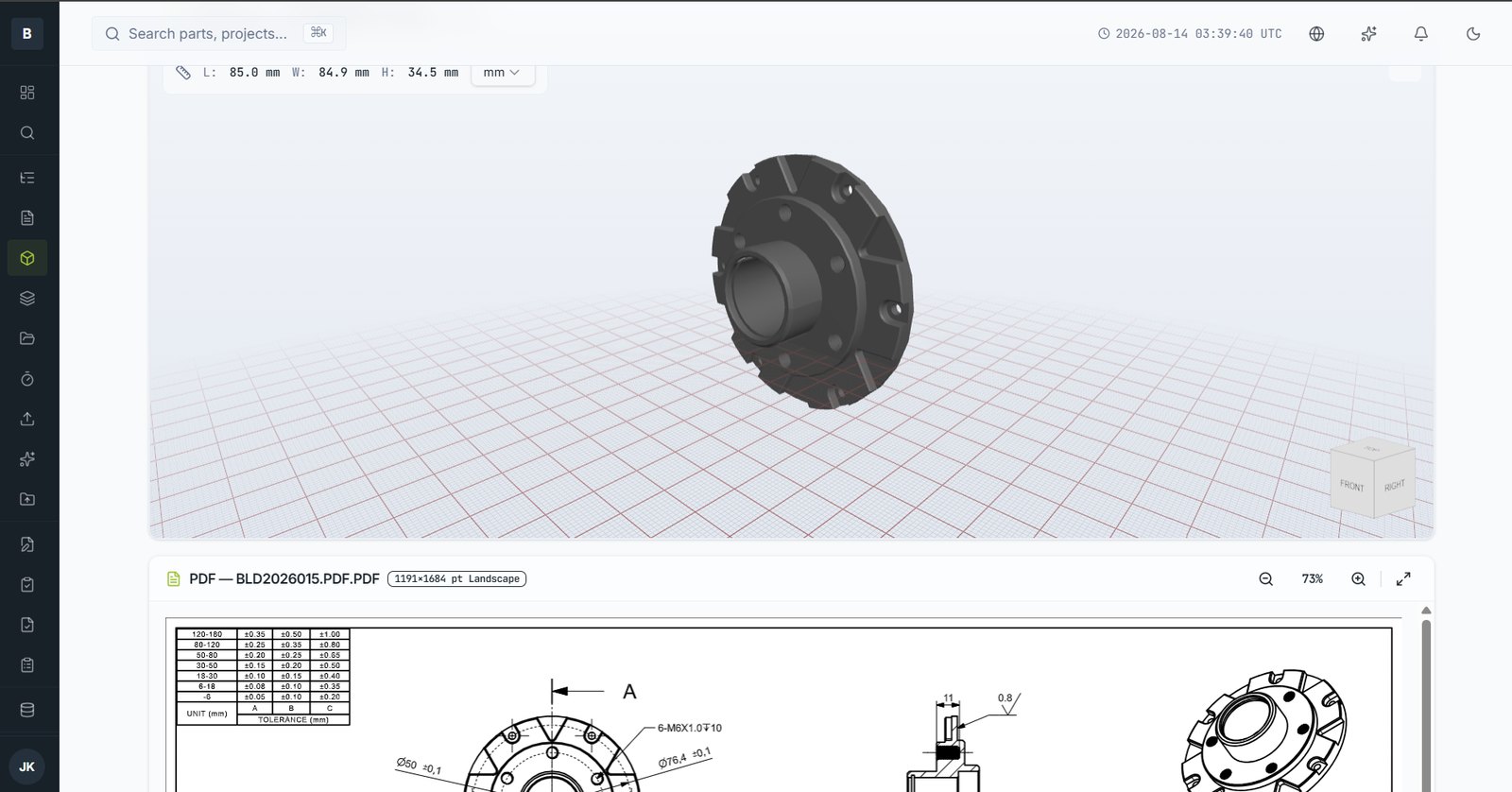
Most files open in the browser. No CAD licence, nothing to install, and it works on a tablet or phone at the bench.
What previews
| Type | Behaviour |
|---|---|
| 3D models | Rotate, zoom, section, explode and measure |
| Drawings and PDFs | Full page rendering with zoom |
| Office documents | Preview without downloading |
| Images | Displayed with generated thumbnails in listings |
| Archives | Open to a browsable file tree so you can inspect before extracting |
| Electronics | Gerber sets render as board layers — see Electronics data |
Using the 3D viewer
- Rotate — drag with the left button
- Pan — drag with the middle button, or hold Shift
- Zoom — scroll wheel, or pinch on touch
- Explode — the slider separates components from the assembly centroid
- Section — cut on a plane and drag it through the model
- Measure — pick two points for a distance
Files
Sharing a view
The viewer's link carries the current orientation, so you can send someone the exact view you're describing rather than telling them where to rotate to.
Still stuck?
Email [email protected] and a person will pick it up. Include the part number and what you were doing — it saves a round trip.